Trial, paying and cancelling
The trial
RIDR opens on the subscription screen. The monthly plan is selected because it is the one with the free trial on it. The screen states the length of the trial, the price it becomes, and that it renews until you cancel — read it there rather than here, because that screen is built from what the App Store actually says today.
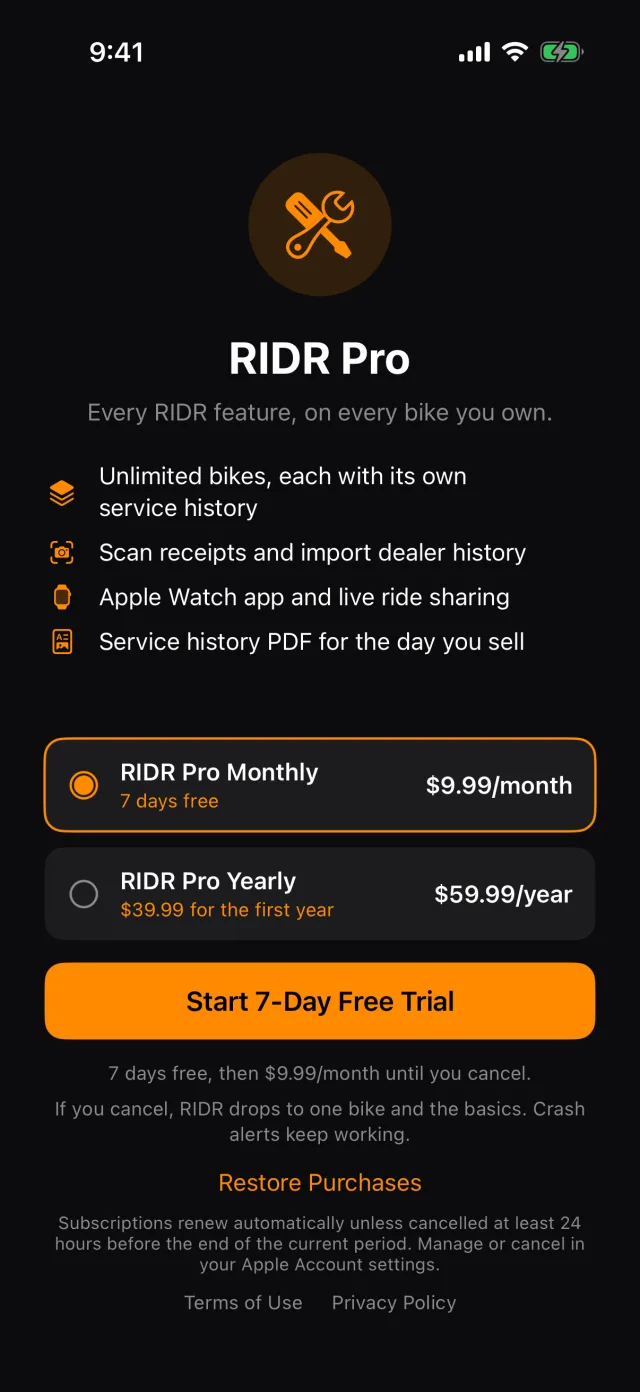
The yearly plan's offer is a discounted first year rather than a free week, which is why selecting it changes the button to Subscribe.
What RIDR Pro includes
- Every bike you own, each with its own service history
- Scanning receipts, and importing a dealer's printed history
- The service-history PDF
- The Apple Watch app, and live ride sharing
- Fuel analytics — cost per mile and MPG trends
- GPX export
- The whole route book, and browsing by state
What is free, and stays free
- Recording rides
- Logging service, the schedule and the health ring
- Fuel and the figures at the top of the fuel log
- The full spec database
- The glovebox
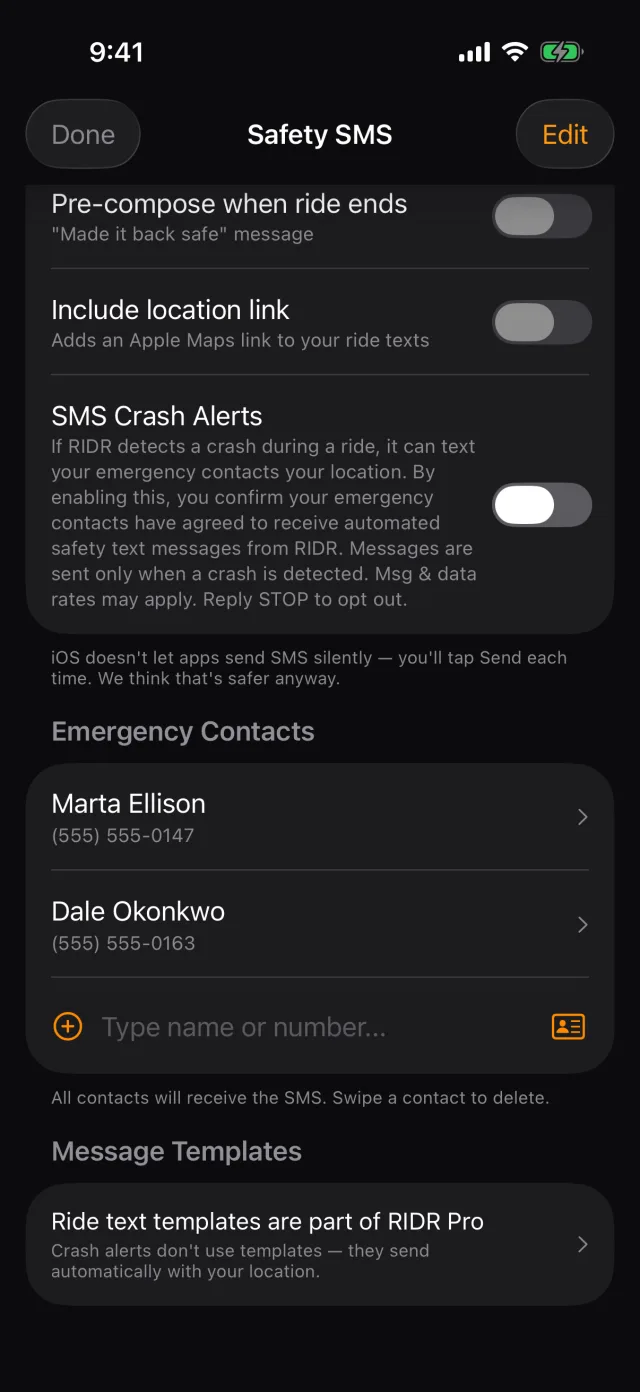
- Crash alerts. These are never charged for.
What happens if you cancel
Nothing is deleted. Your records, rides, fuel and documents all stay on the phone and in your iCloud account.
What changes is what you can reach:
- The garage keeps every bike you added — RIDR does not take bikes away. It stops you adding another one.
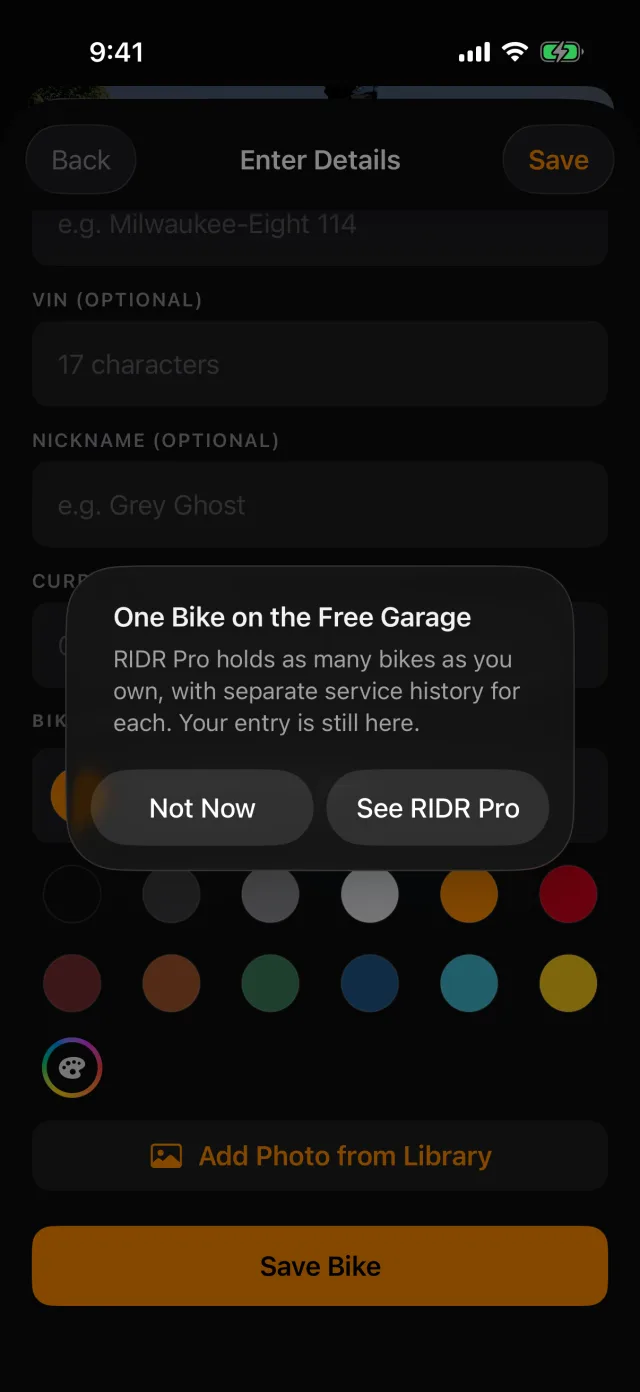
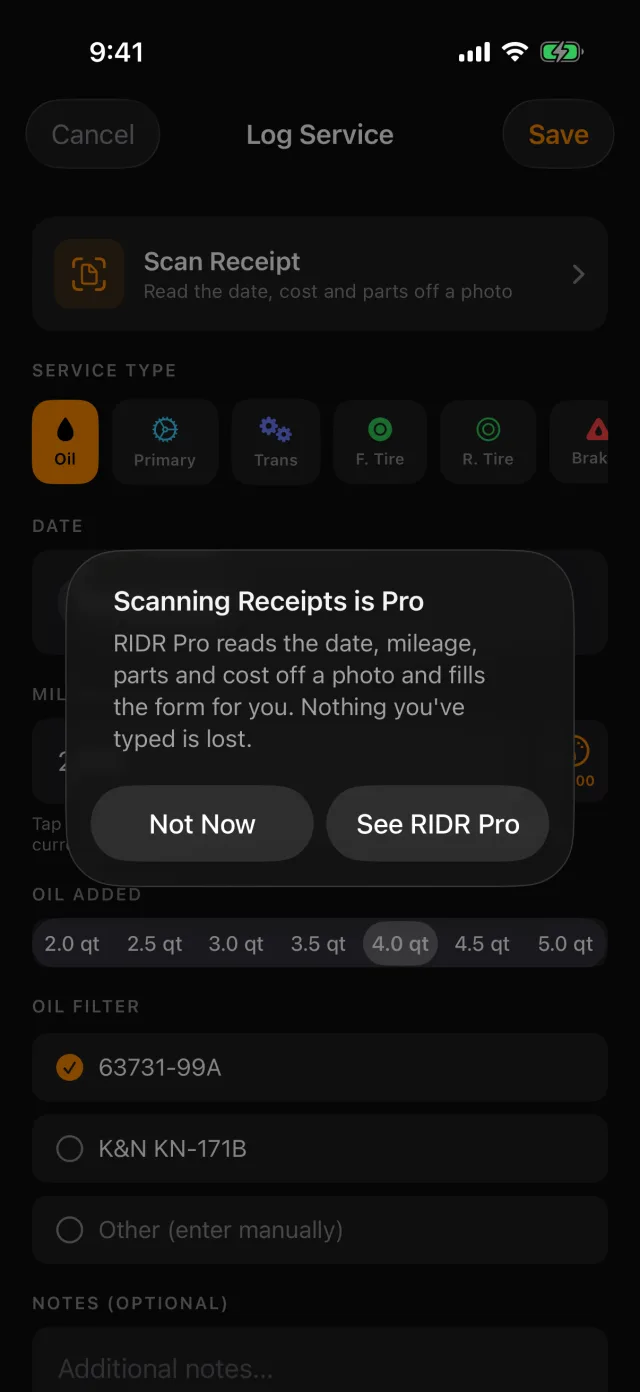
- Scanning and importing stop, and say so when you tap them.
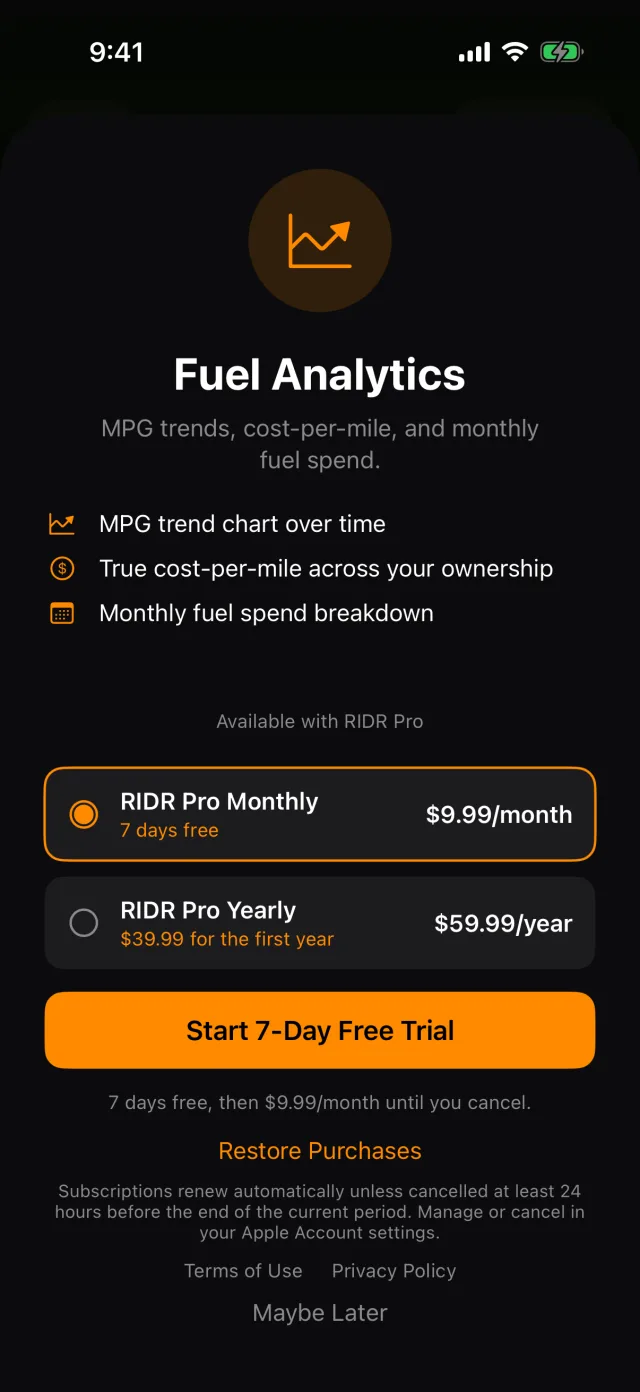
- Fuel analytics, GPX export and the PDF ask you to subscribe.
- Ride start and stop texts stop. Crash alerts do not.
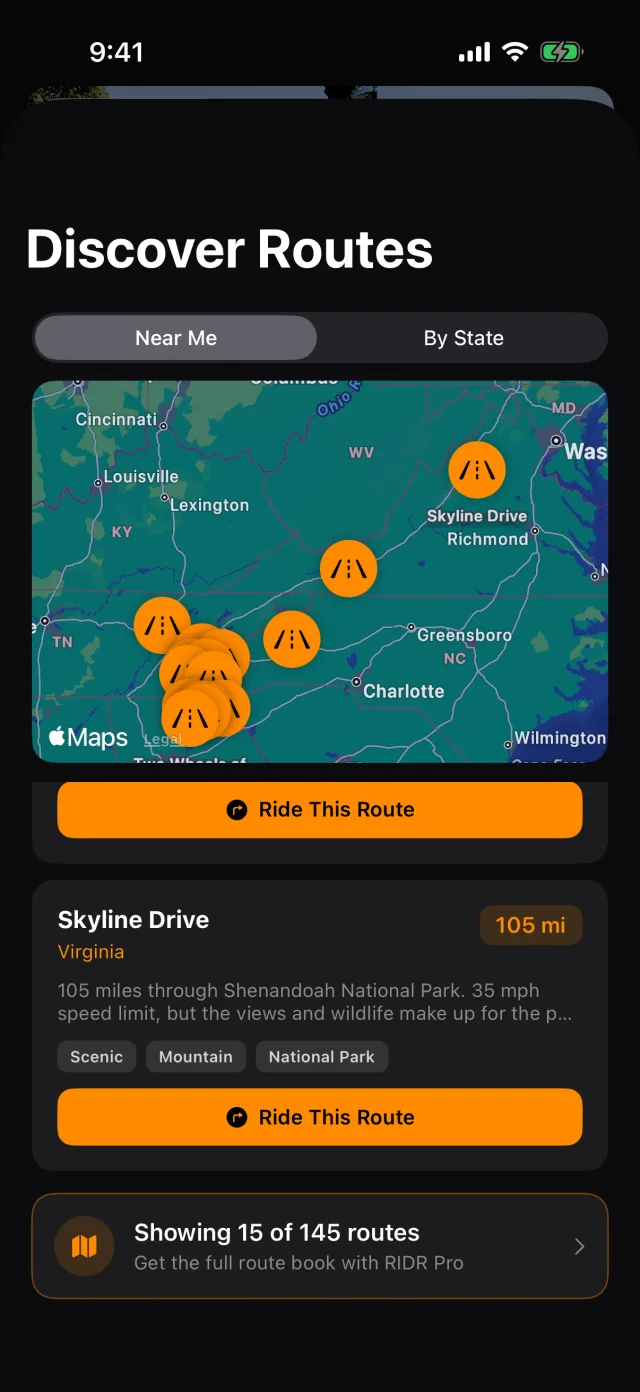
- Discover Routes drops back to the nearest 15.
Managing the subscription
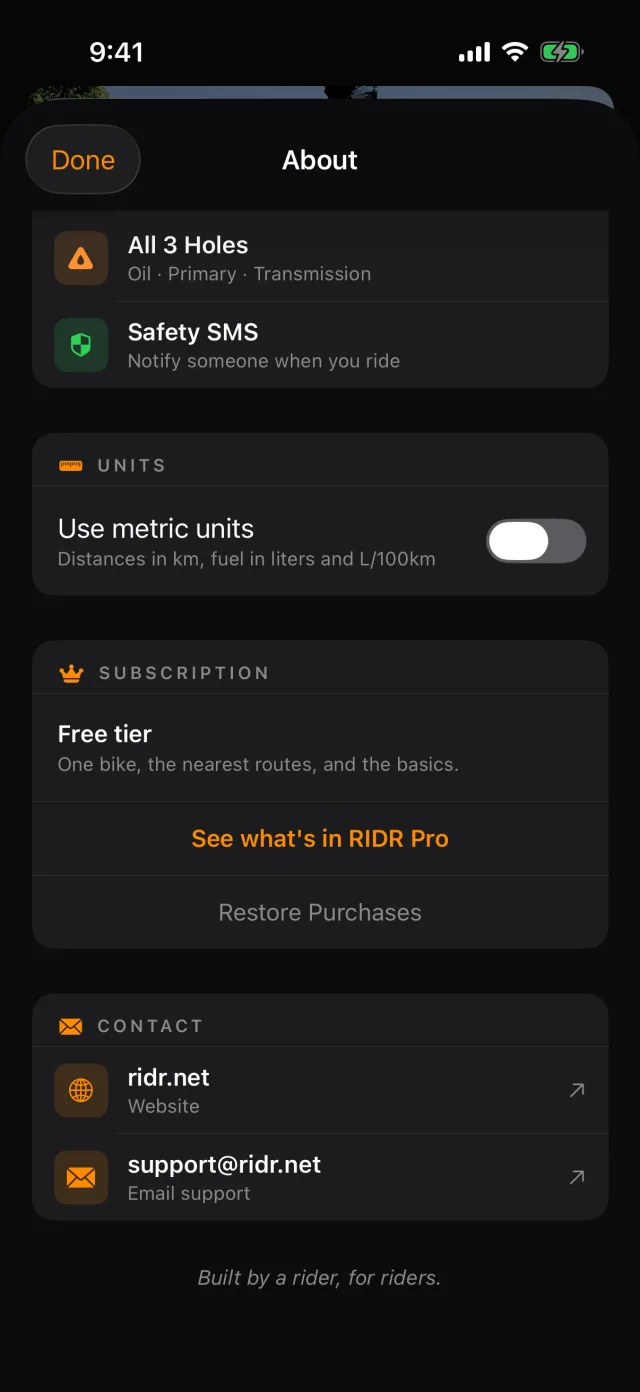
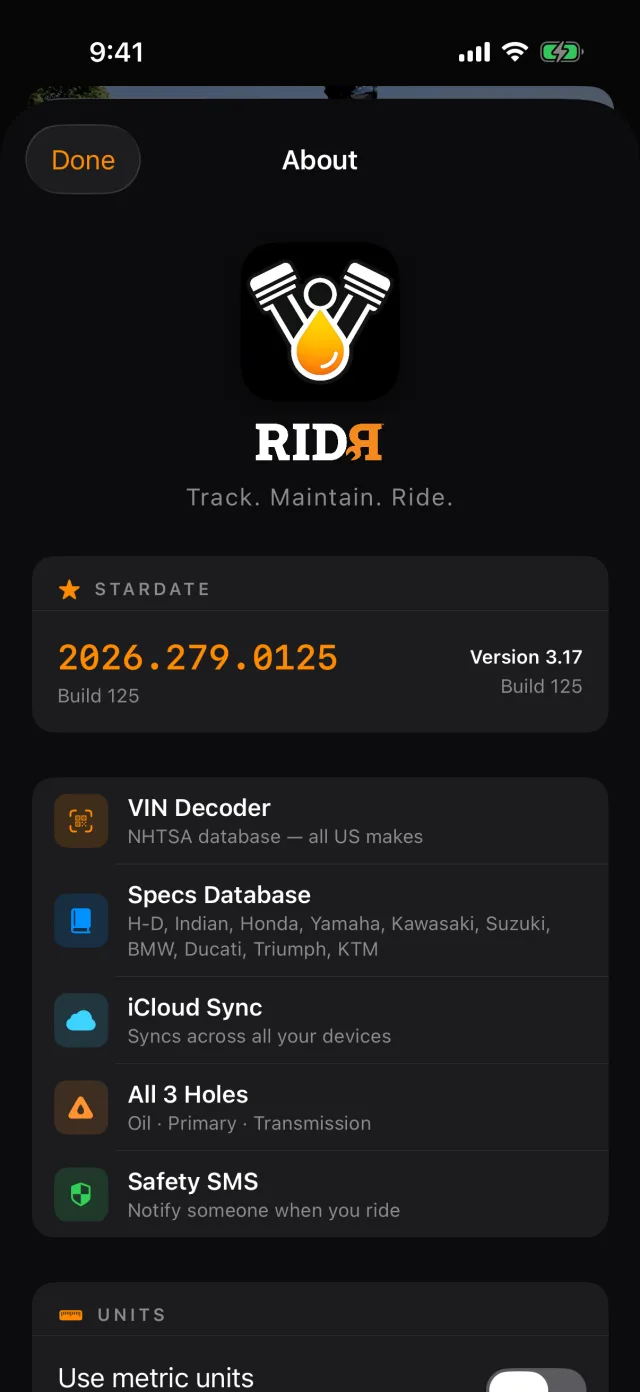
- Tap Tools, then About RIDR.
- The SUBSCRIPTION block says where you stand. On the free tier it reads Free tier — one bike, the nearest routes, and the basics.
- See what's in RIDR Pro opens the subscription screen.
- Restore Purchases is here, and on the subscription screen, for a new phone.
- Cancelling itself happens in Apple's Settings, under your name, in Subscriptions — Apple does not let an app cancel its own subscription.
Switching to kilometres
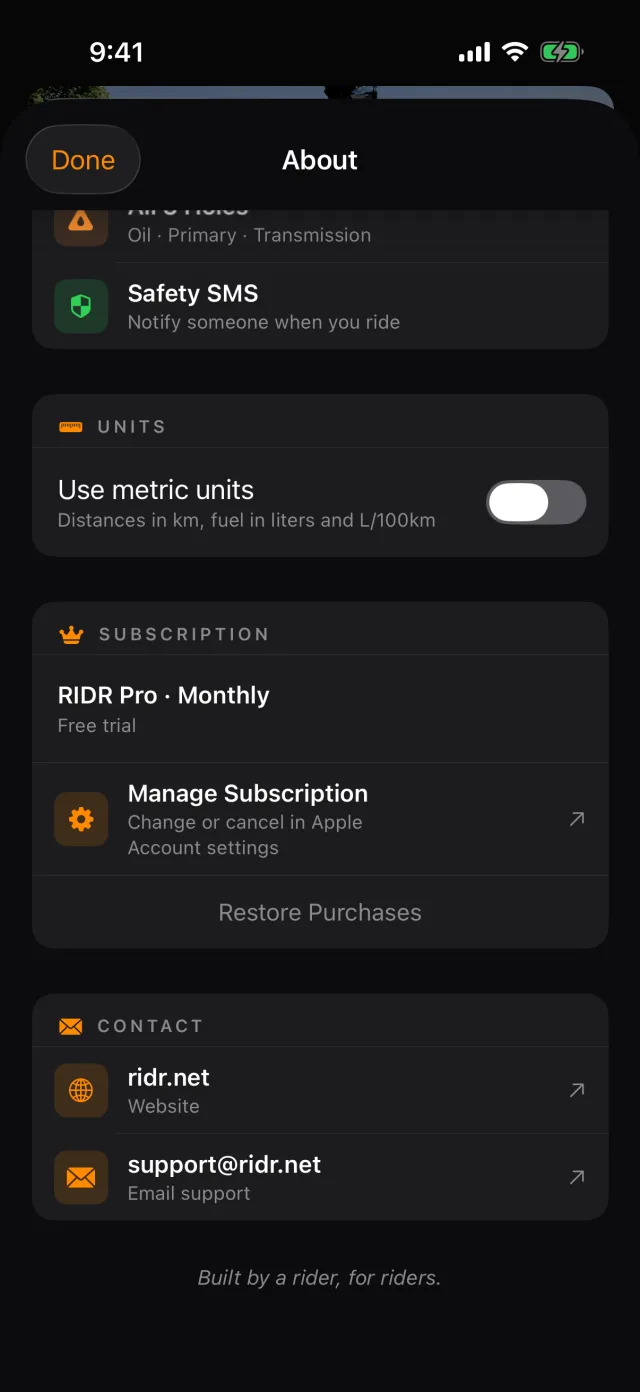
In About RIDR, turn on Use metric units. Distances become kilometres and fuel becomes litres and L/100km everywhere at once. What is stored does not change, so you can switch back whenever you like.