Apple Watch and the wrist
The watch app arrives with RIDR. Open it once with your phone nearby and your garage appears on your wrist.
The bike list
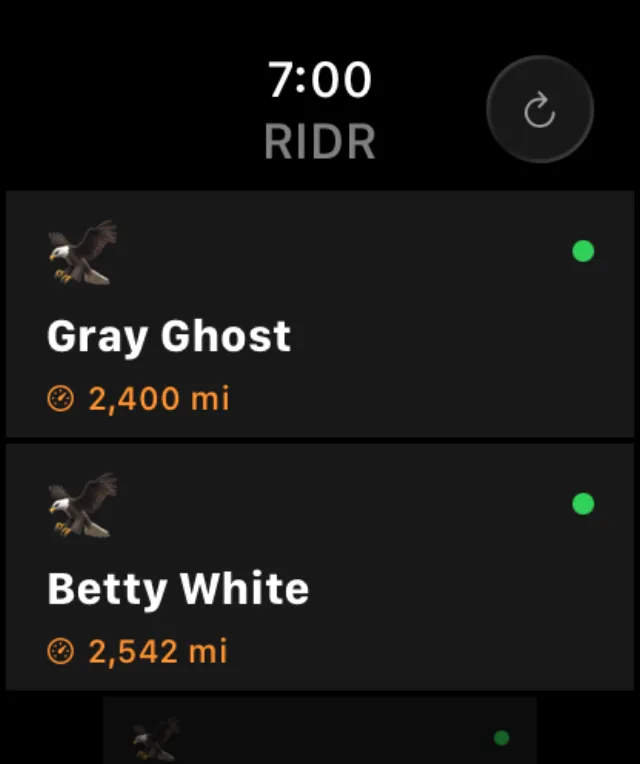
- Each bike shows its mileage and a colored dot: green for all good, amber for something due soon, red with a count for overdue.
- Tap a bike to open it.
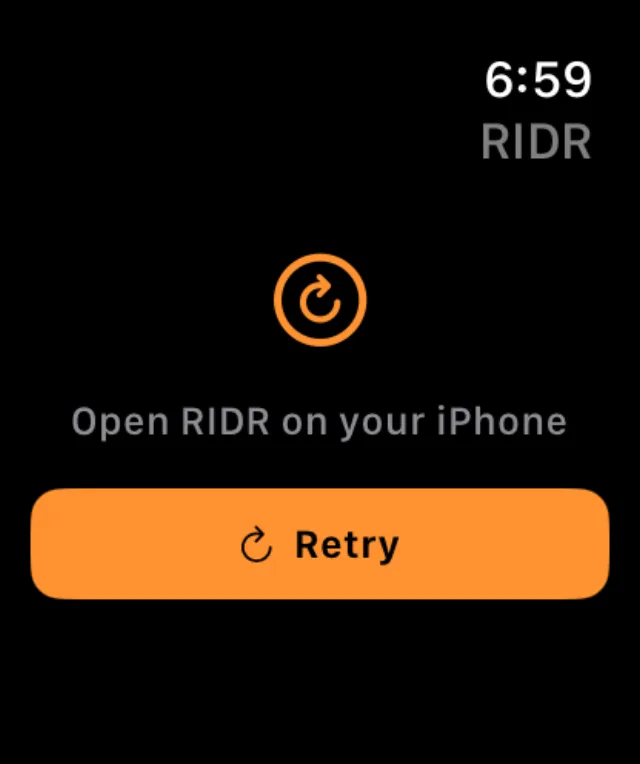
- The arrow in the top right asks the phone again, for when the two have drifted apart.
What you can do from the wrist
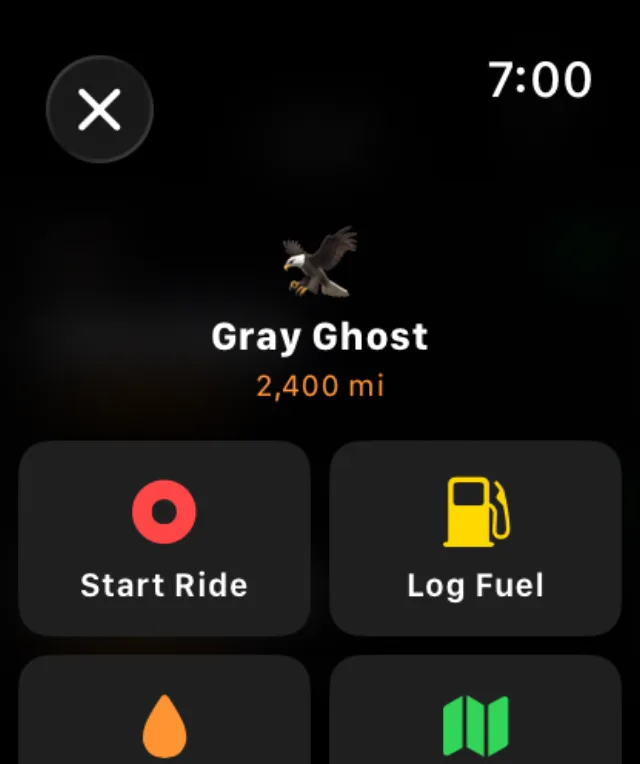
- Start Ride begins recording. The phone does the GPS work in your pocket.
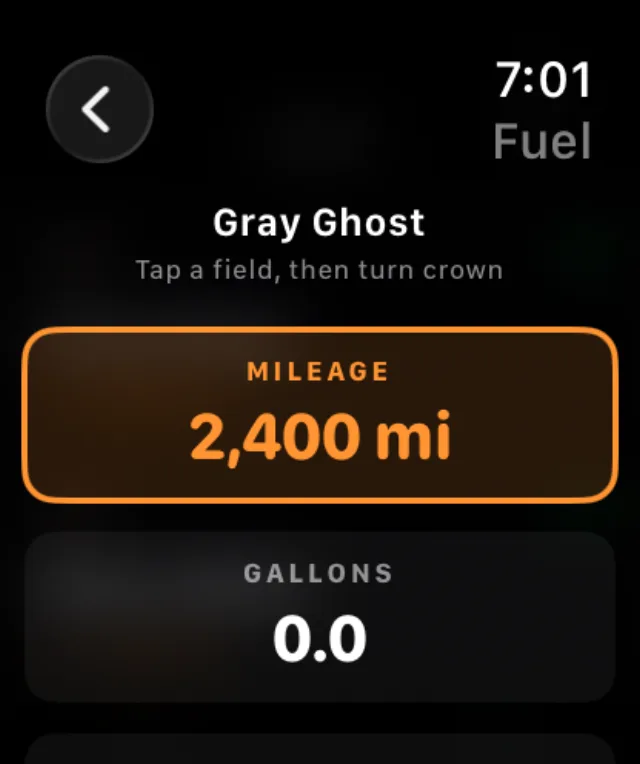
- Log Fuel dials in gallons, price and odometer with the crown.
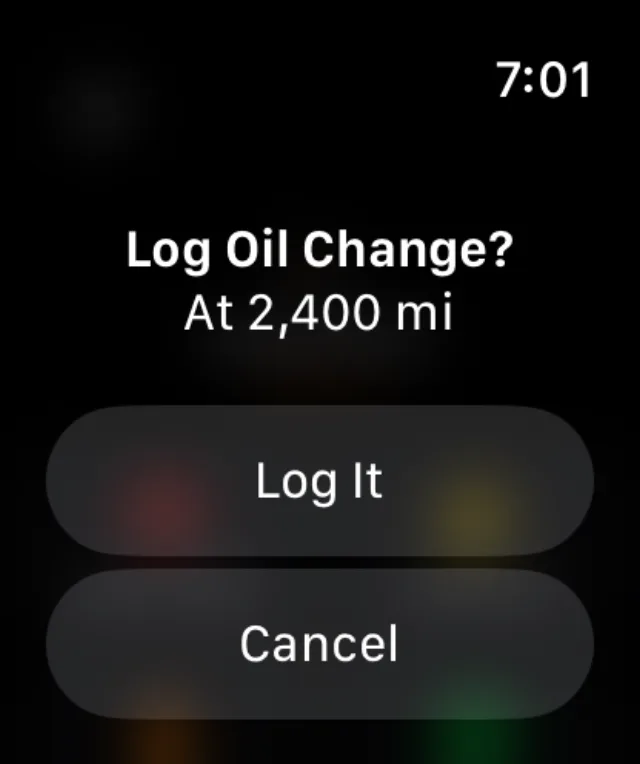
- Quick Oil logs an oil change at the phone's current odometer, after a confirmation.
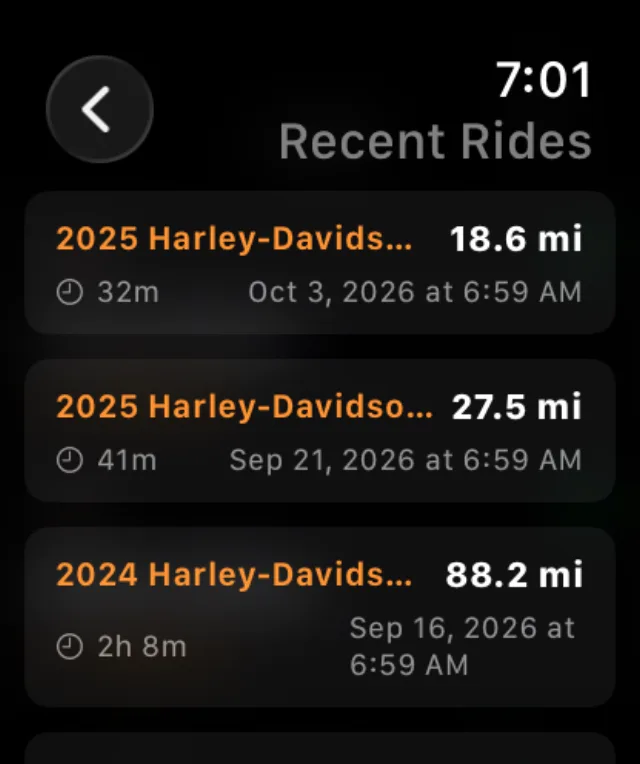
- Recent Rides lists what you have recorded.
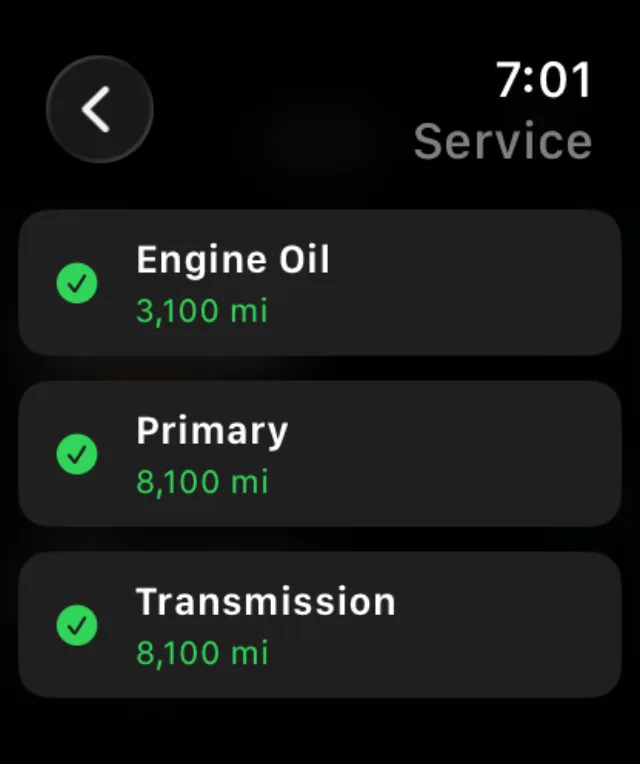
- The strip along the bottom opens the full service status.
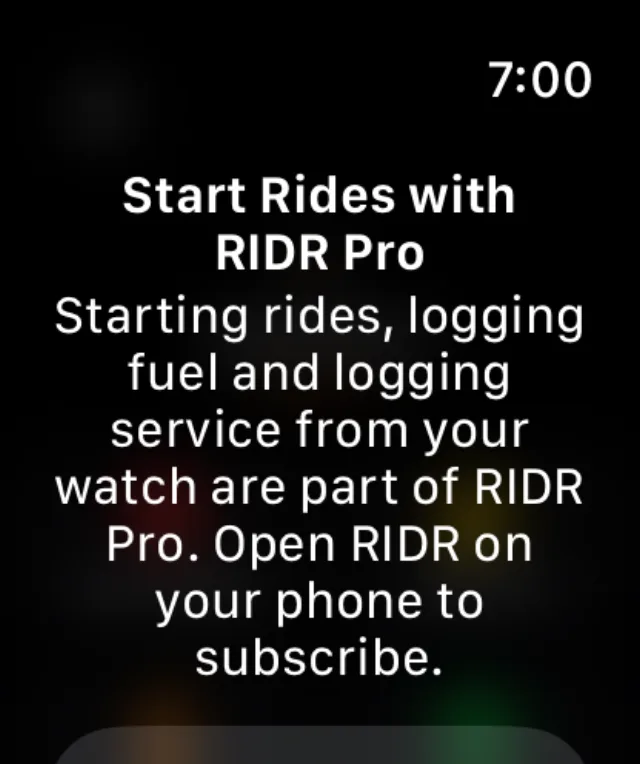
Tip: Starting rides, logging fuel and logging service from the watch are part of RIDR Pro. The watch tells you so plainly rather than failing quietly, and points you at the phone — you cannot buy anything from a wrist.
While you are riding
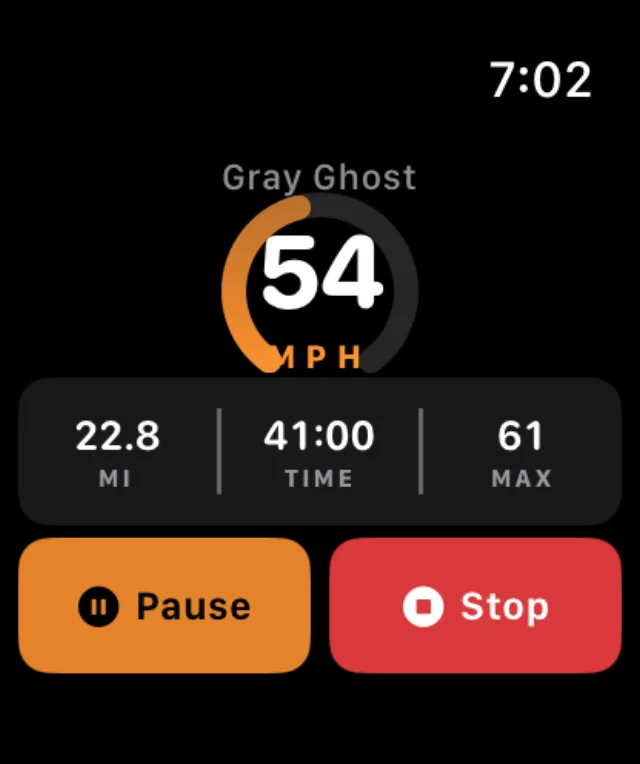
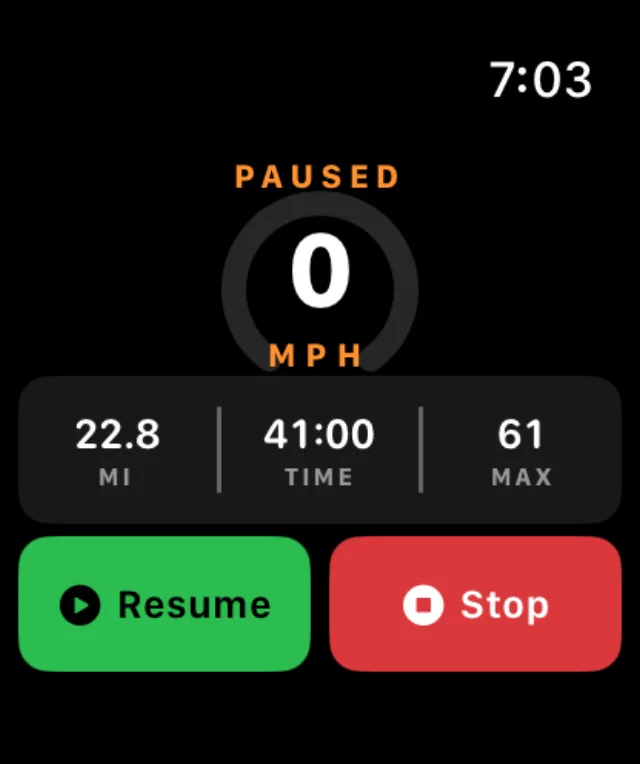
- Speed fills an arc that changes color as it climbs.
- Pause and Stop are both a full finger wide, because you are wearing gloves.
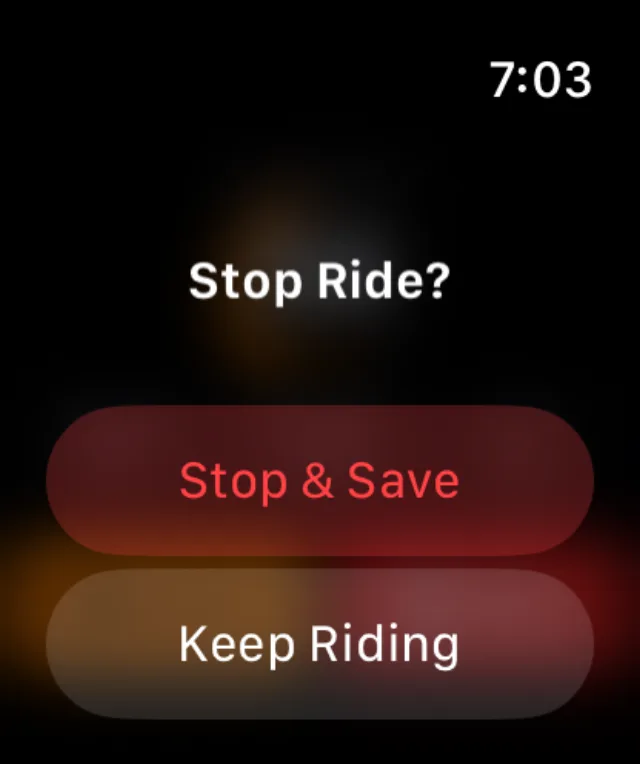
- Stop asks before it saves.
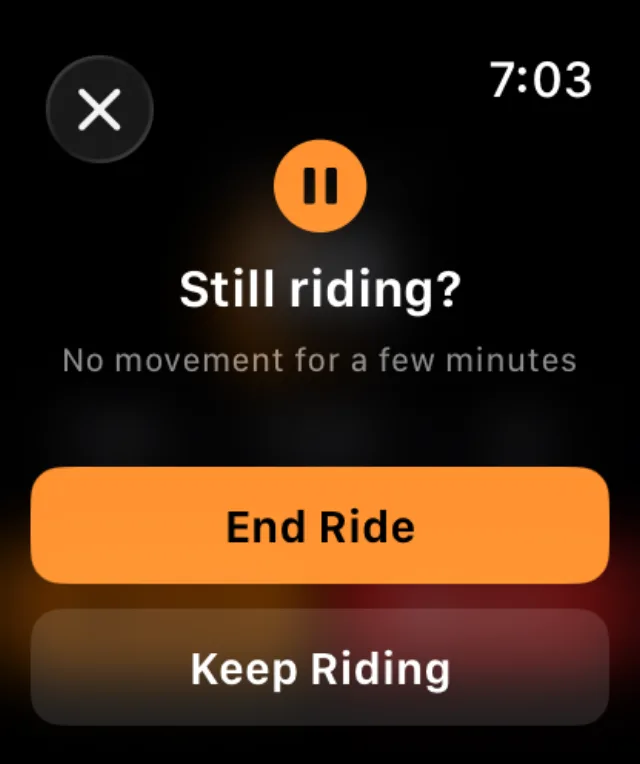
- If you stop moving for a few minutes, the watch taps your wrist and asks whether you are still riding.
The watch-face complication
Add RIDR to a watch face and it tells you at a glance whether a ride is recording. It fits every accessory slot — the round one, the rectangular one, the single line of text at the top of a face, and the curved corner.
- Press and hold the watch face, tap Edit, swipe to the complications screen.
- Tap a slot and choose RIDR.
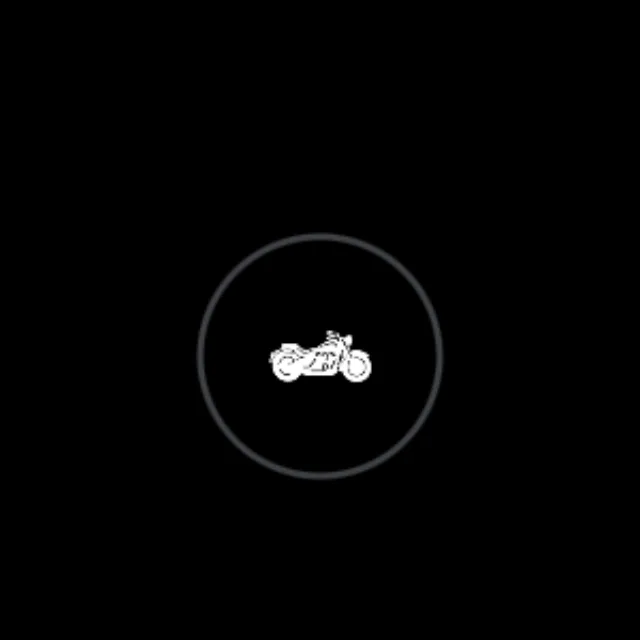
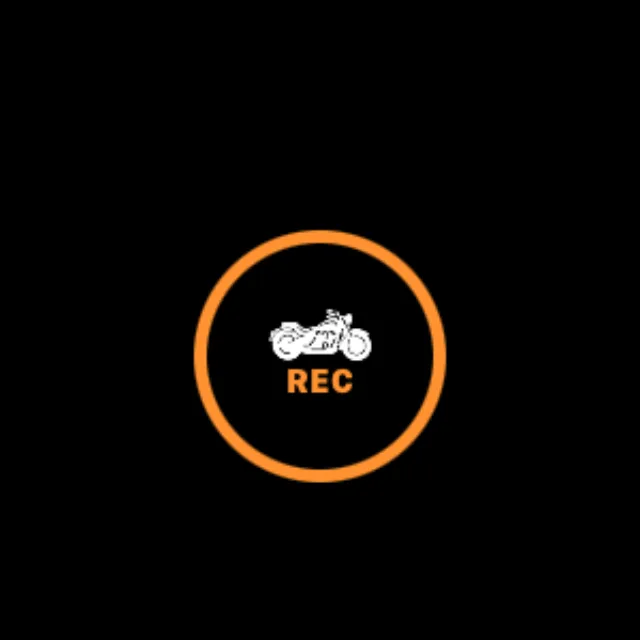
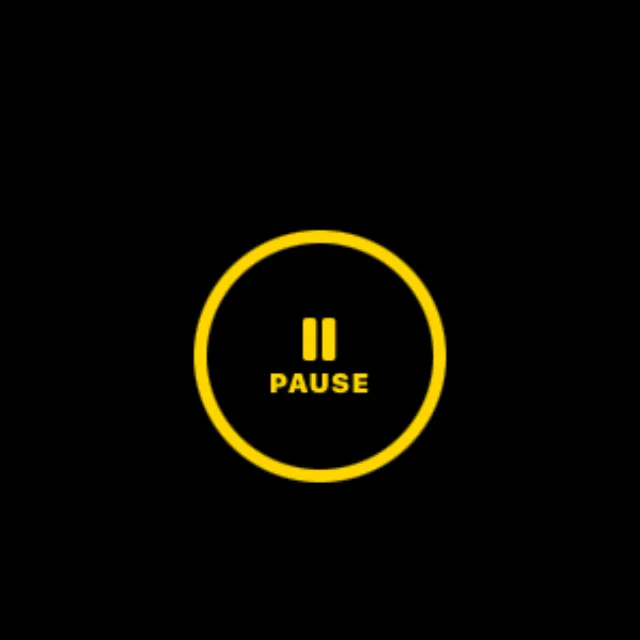
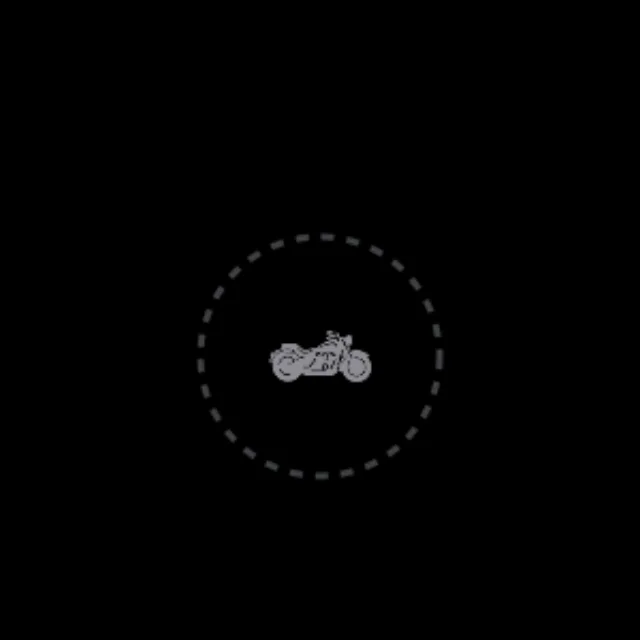
It has four states:
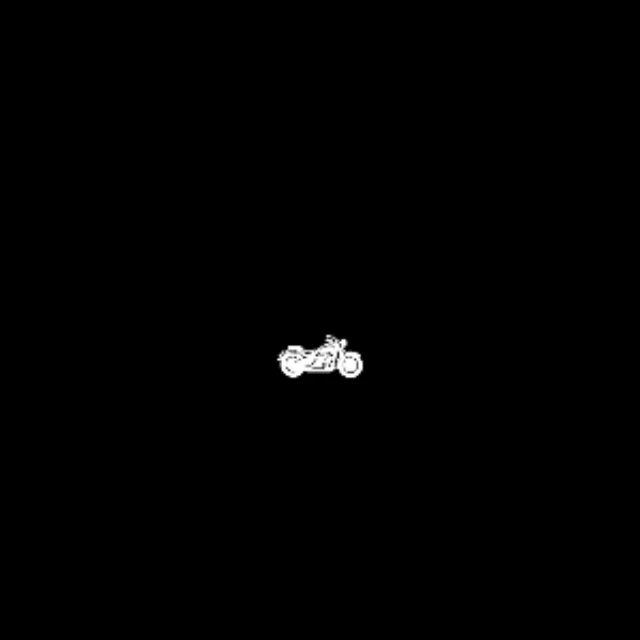
- Idle — no ride. Tap to open RIDR.
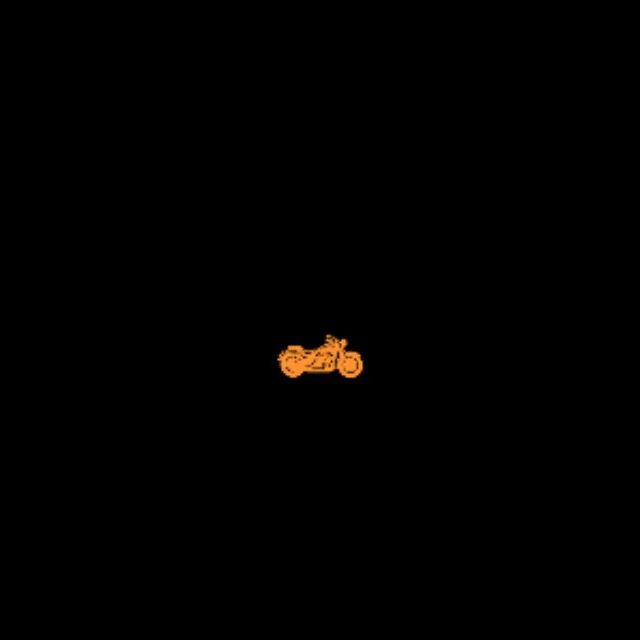
- REC — recording, in orange, with the elapsed time on the rectangular slot.
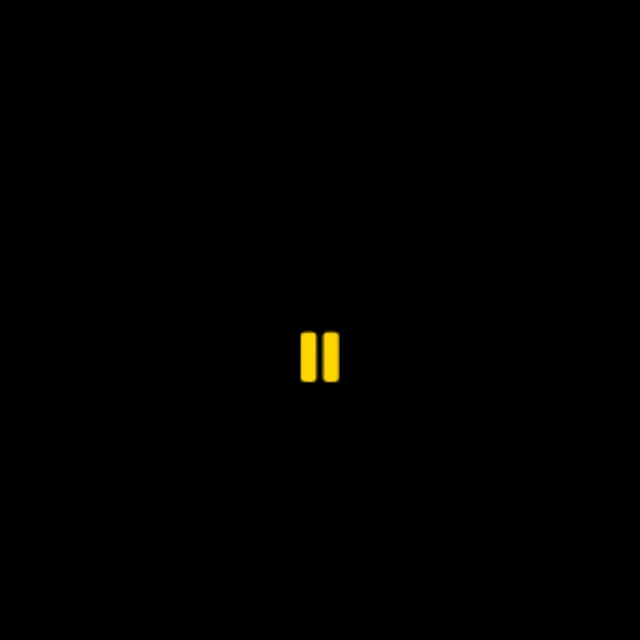
- PAUSED — in amber, with the time frozen.
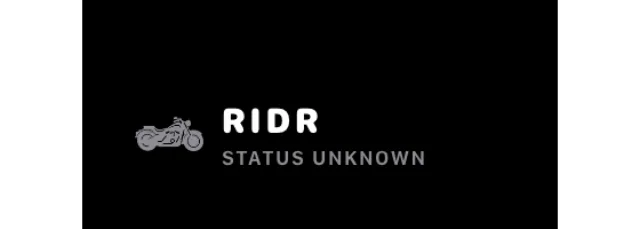
- Status unknown — a dashed ring. The complication has not heard anything for six hours, so rather than claim you are not riding, it says it does not know.







Tip: That last state is deliberate. A complication that confidently showed "not recording" when it had simply lost touch would be worse than one that admits it.
The Live Activity
Start a ride and the ride appears on your phone's Lock Screen and in the Dynamic Island, and on the watch's Smart Stack — one turn of the crown from the face.

It shows the bike, the distance, the speed and the elapsed time, and turns amber when you pause.
Shot from RIDR 3.17 (build 125) · 7 October 2026