The glovebox
A rider stopped at the roadside needs the insurance card now, not after the page loads. The glovebox keeps it on the phone.
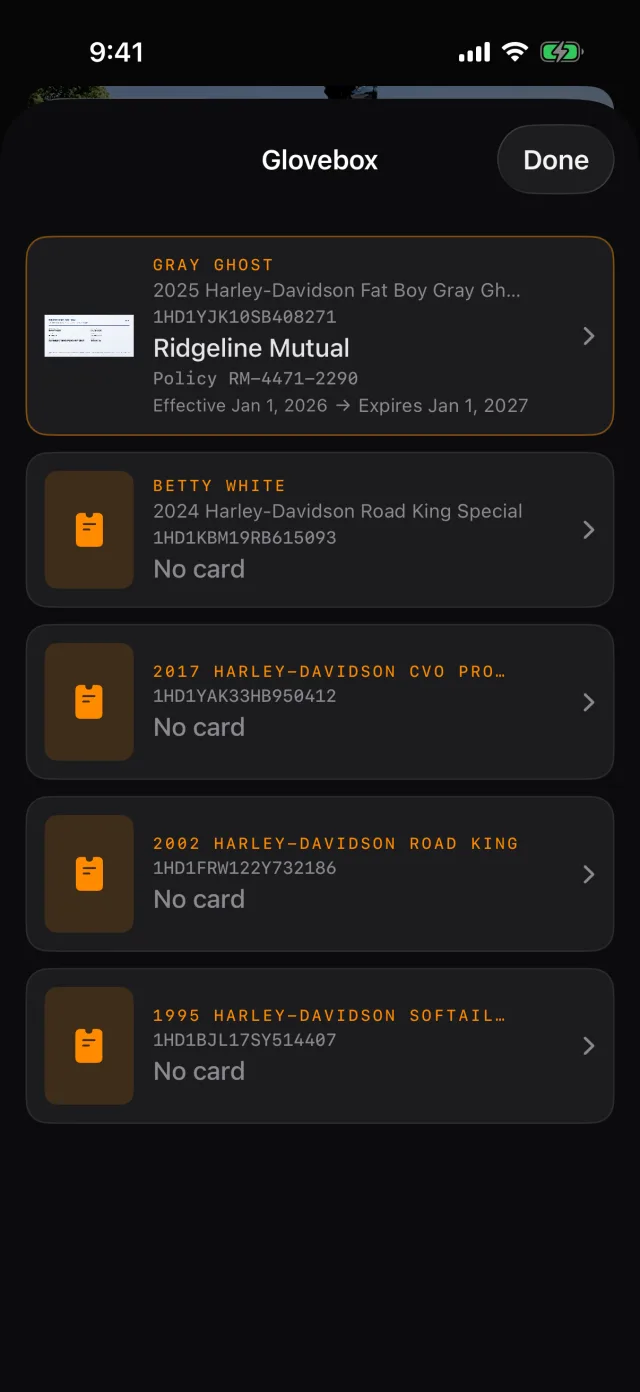
- Tap Tools, then Glovebox.
- Tap + to add a card.
- Photograph the front and the back. RIDR reads what it can — carrier, policy number, dates — and you correct the rest.
- Fill in anything it missed: the agent's phone, the NAIC number, a note about where the paper copy lives.
- Tap Save.
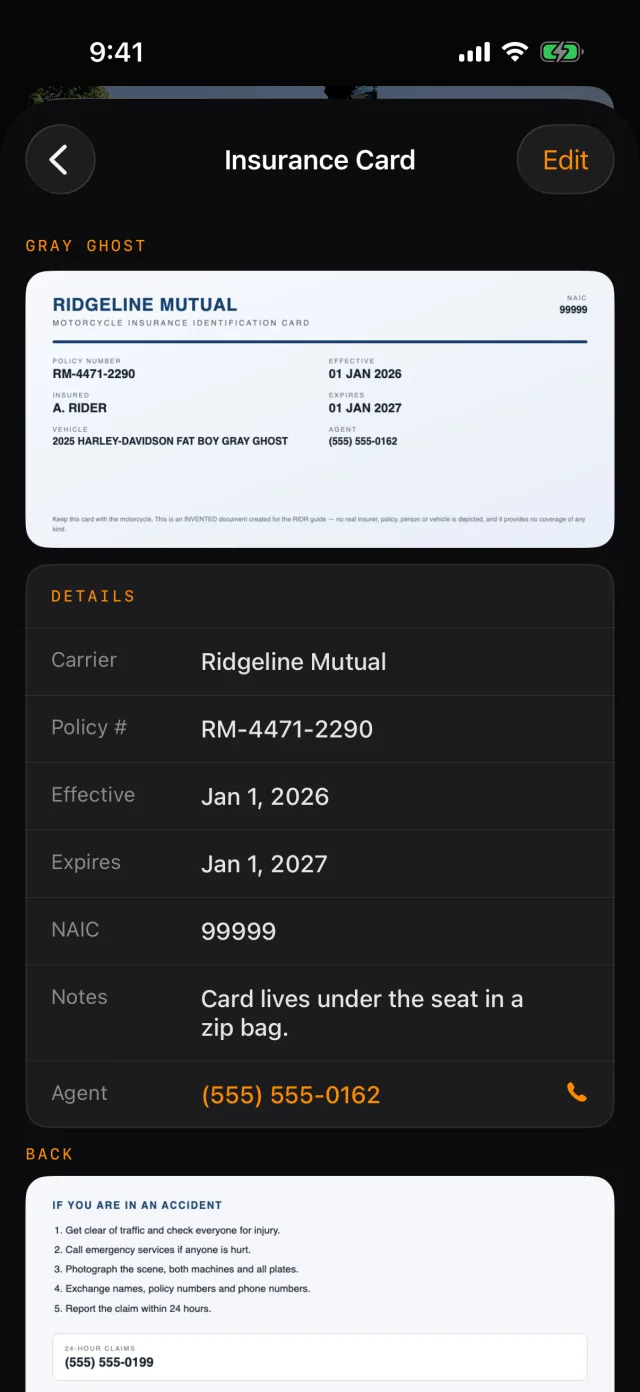
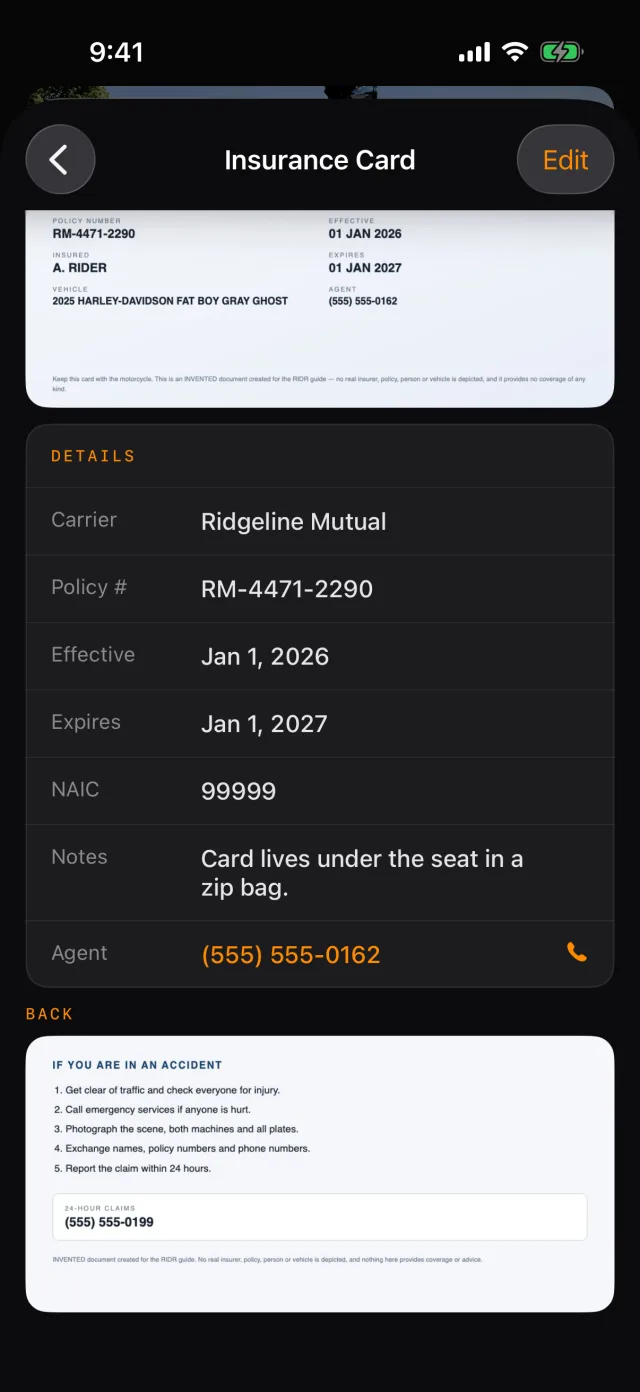
- Tap the photo to see it full screen, which is the version you hold up.
- Edit changes anything. The delete control is at the bottom of the editor.
Tip: One policy often covers several bikes. When you add a card, pick every bike it applies to and RIDR files a copy against each.
Nothing here needs a signal. The card is on the phone.
Shot from RIDR 3.17 (build 125) · 7 October 2026