Your service history
The list
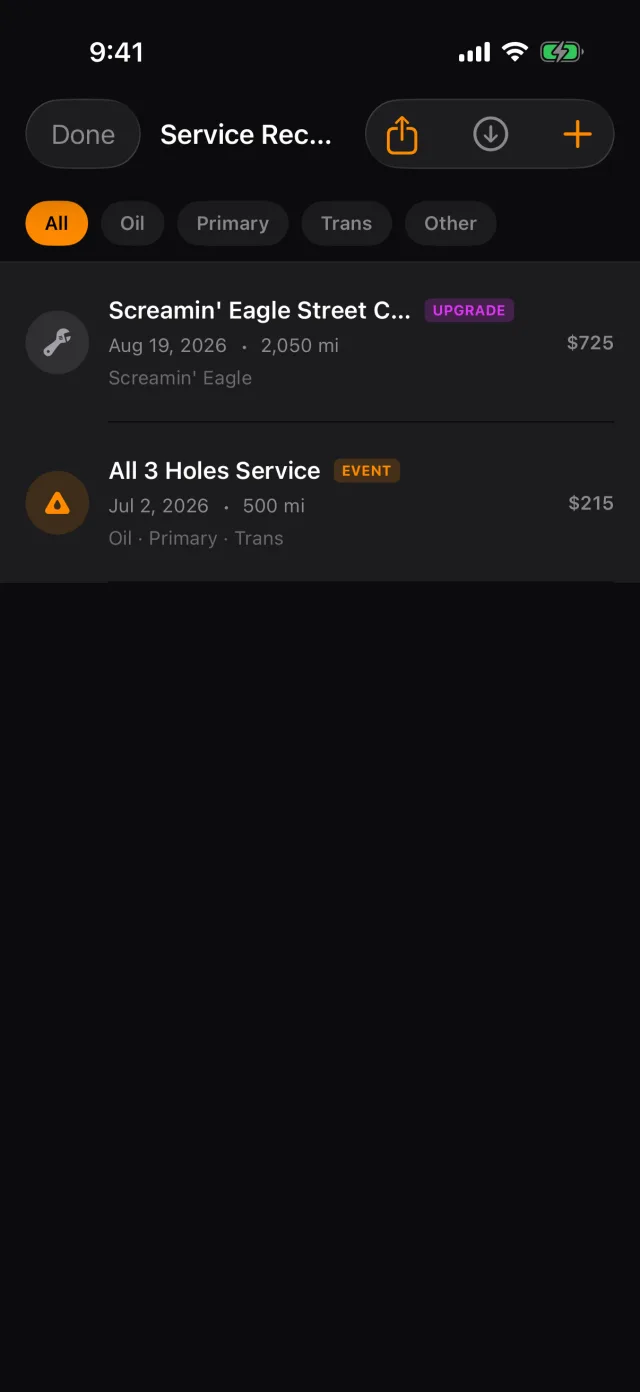
- Tap the SERVICE HEALTH card, then View Service Records.
- The chips along the top filter by type.
- A visit that covered several things shows as one EVENT row with everything in it, rather than three rows you have to recognise as related.
- Swipe a row left to delete it.
One visit
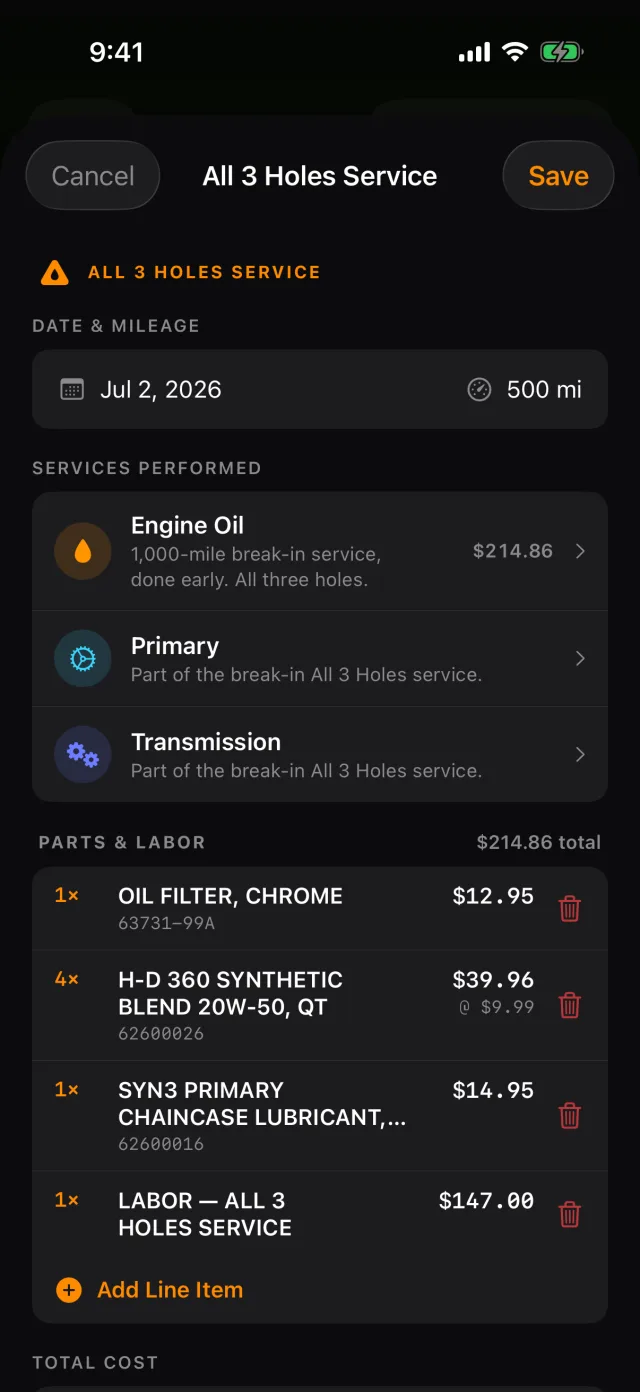
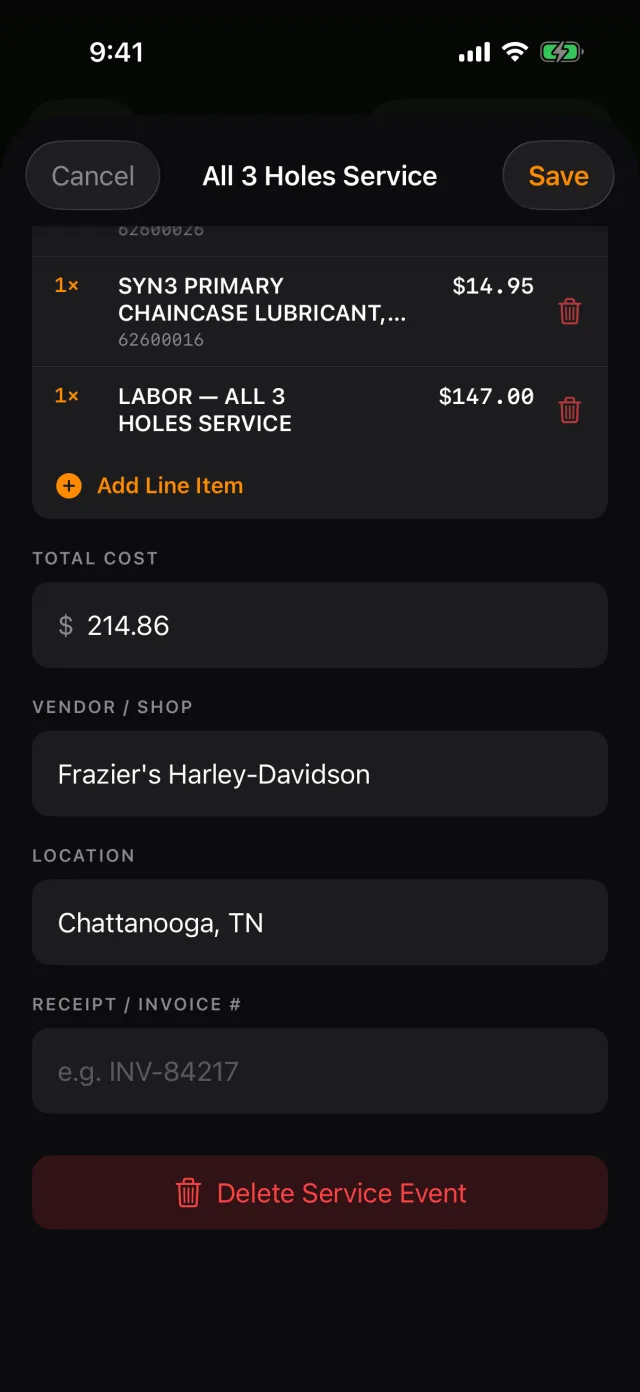
- Tap a row to open it.
- Services Performed lists everything in the visit.
- PARTS & LABOR lists what went on it. Edit any line, or swipe to remove it.
- Tap the receipt to see it full screen.
- Delete Service Event removes the whole visit, not just one record of it.
Tip: Editing the parts on any record of a visit edits the visit. You do not have to find the "right" one.
The PDF
When you sell the bike, the thing that proves you looked after it is a list with dates, mileages and invoice numbers on it.
- Open View Service Records.
- Tap the share button in the top bar.
- RIDR builds a PDF of the whole history for that bike and hands it to the share sheet — mail it, message it, or save it to Files.
Tip: The PDF is part of RIDR Pro.
When something went missing
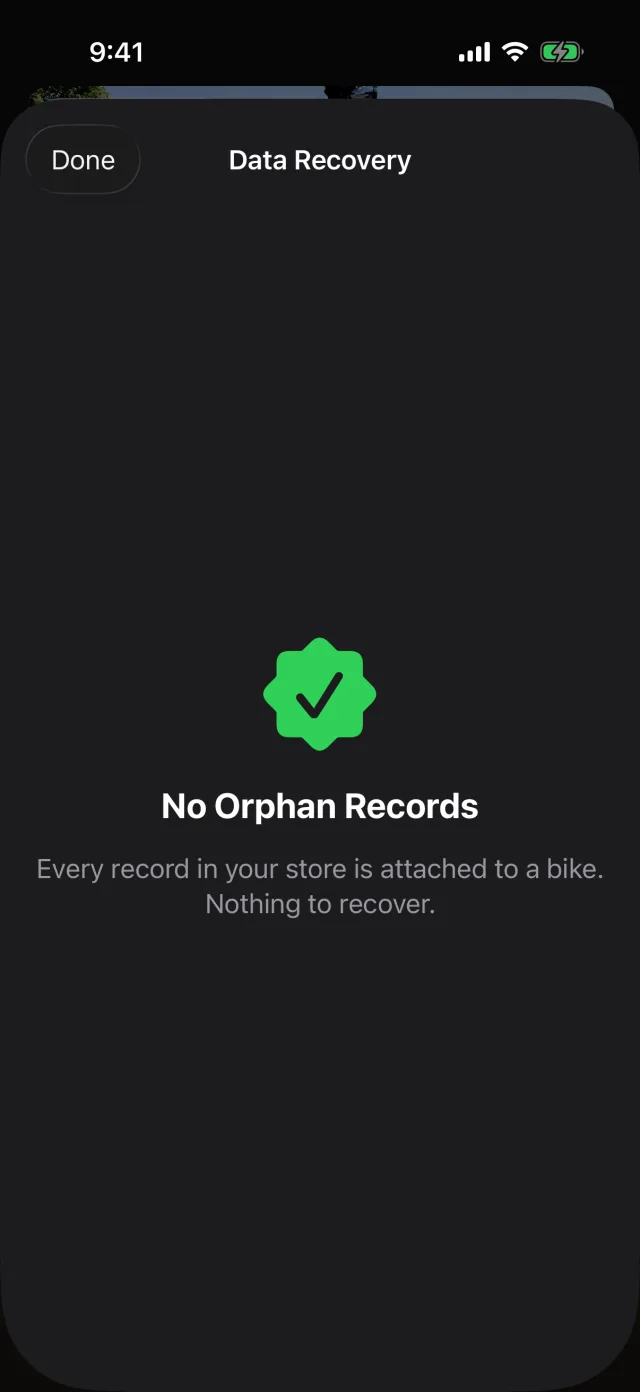
Records are tied to a bike. If a bike was removed while its records were still syncing, they can end up attached to nothing.
- Tap Tools, then Data Recovery.
- If there is nothing loose, RIDR says so and there is nothing to do.
- If there is, pick the bike they belong to and attach them in one go. You can move any of them individually afterwards.
Shot from RIDR 3.17 (build 125) · 7 October 2026